Speed up development using website templates
In today’s fast-paced web development landscape, developers are constantly seeking ways to work smarter, not harder. One way to achieve this is through the use of HTML and CSS templates. Templates not only reduce the amount of repetitive, boilerplate code but also speed up development time, allowing developers to focus on building unique, feature-rich applications.
At Toris Technologies, we’ve crafted HTML and CSS templates designed to accelerate your development workflow. These templates are versatile, enabling our developers to combine various sections, saving time, and maintaining consistency across projects. In this article, we’ll delve into the numerous advantages of using these templates, how they can enhance your workflow, and the unique features of TORIS Technologies templates.
What Are HTML and CSS Templates?
Understanding HTML and CSS Templates
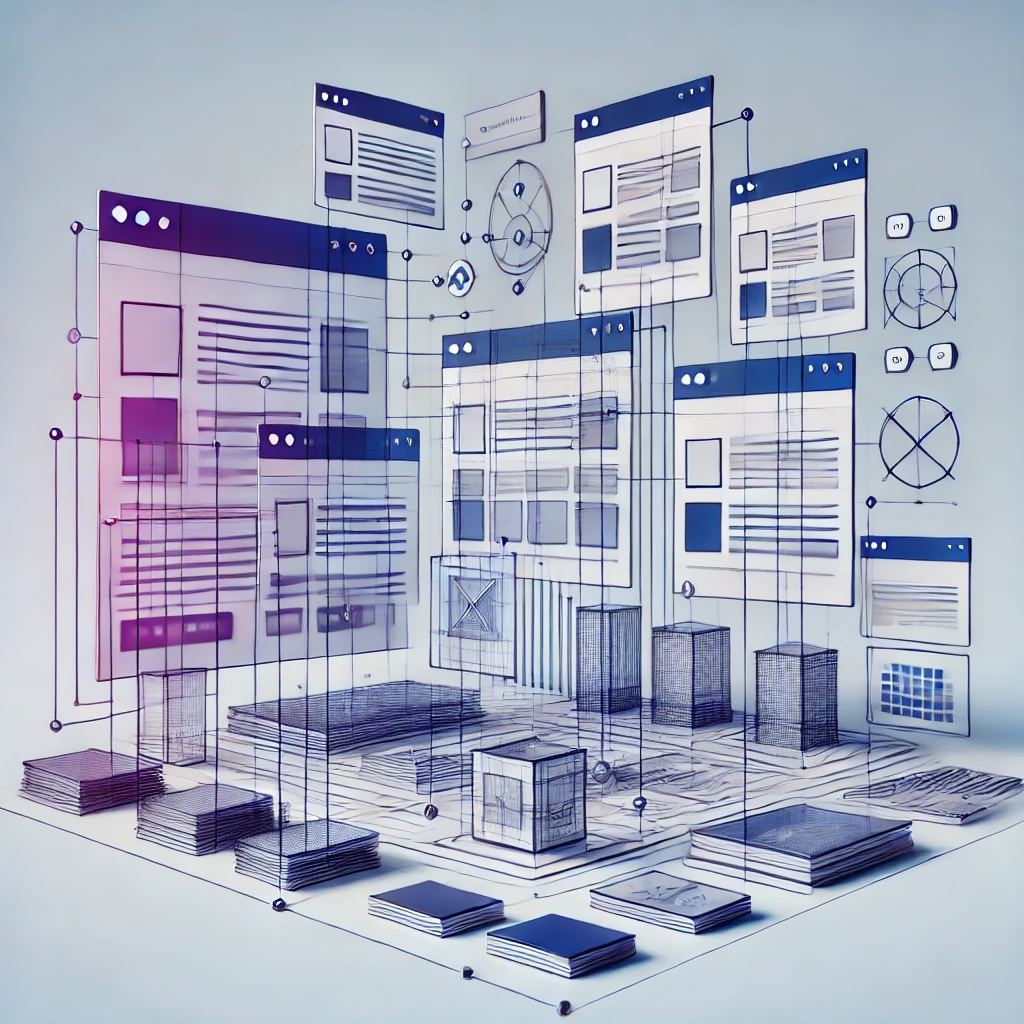
HTML and CSS templates provide pre-built code structures for creating websites or web applications. They contain the necessary HTML and CSS code for specific layouts or components, offering a solid foundation on which developers can build their projects. Instead of starting each new project from scratch, developers can simply customize templates to fit the needs of their clients or business.
Benefits of Using HTML and CSS Templates
1. Reduction in Boilerplate Code
Boilerplate code refers to repetitive code that is typically found at the start of many web development projects. By using HTML and CSS templates, developers can significantly reduce the need for boilerplate code, as the templates come pre-loaded with essential structures and components. This allows developers to bypass the initial setup phase and jump straight into customizing the template to fit the project requirements.
2. Increased Development Speed
Templates enable developers to build websites and applications at a much faster pace. Rather than spending time crafting each page from scratch, they can rely on a template's pre-designed sections and components, which can easily be customized.
3. Consistency Across Projects
Maintaining consistency in style and structure is essential, especially for developers working on multiple projects or for agencies managing clients with diverse needs. Templates ensure uniformity in layout and design, promoting a consistent user experience across different sections of the website or application. This is particularly useful for developers who need to maintain brand integrity across different platforms.
4. Responsive Design
Most modern templates are built with responsiveness in mind. This means that the template sections adapt seamlessly to various screen sizes, providing an optimal viewing experience across desktops, tablets, and smartphones. The templates offered by TORIS Technologies, for instance, are meticulously designed to ensure that they’re fully responsive, enabling developers to build mobile-friendly applications effortlessly.
Key Features of TORIS Technologies Templates
1. Modular Sections for Customization
One of the standout features of our templates is their modular design. Each section is individually built and styled, allowing developers to mix and match different sections to create a tailored look for their clients. This flexibility is invaluable for developers who want to create unique experiences while still benefiting from the efficiency of a template.
2. Built with Clean and Efficient Code
The templates from TORIS Technologies emphasize clean, well-structured HTML and CSS. This approach ensures that the code is easy to understand, modify, and maintain. Moreover, clean code contributes to better performance, faster loading times, and easier debugging.
3. Extensive Styling Options
While templates provide a solid starting point, customization is often necessary to meet specific project needs. TORIS Technologies templates come with extensive styling options, enabling developers to quickly adjust colors, fonts, and layouts. With a solid foundation in place, developers can make minor tweaks to personalize the design and ensure it aligns with the brand's aesthetic.
How to Get Started with HTML and CSS Templates
Step 1: Choose the Right Template
Choosing the right template is essential to meet your project goals. TORIS Technologies offers a wide range of templates designed to cater to various industries and design preferences. Whether you're building a portfolio website, an e-commerce platform, or a business website, there’s a template to match your needs.
Step 2: Customize Your Template
After selecting a template, the next step is customization. With TORIS Technologies templates, you can easily add or remove sections to suit your needs. Adjusting colors, typography, and layouts is straightforward thanks to the well-organized CSS files. The templates are built to be developer-friendly, so you can quickly find the elements you need to modify.
Step 3: Test for Responsiveness
Responsive design is crucial in today's mobile-first world. Once you've customized your template, take time to test it across different devices. Make sure all sections display correctly on various screen sizes, ensuring a smooth user experience for all visitors.
Conclusion: The True Value of HTML and CSS Templates
HTML and CSS templates are more than just a shortcut for developers—they're a powerful tool that can drastically reduce development time and improve workflow efficiency. By leveraging the modular design of templates like those offered by TORIS Technologies, developers can save time, reduce boilerplate code, and ensure a consistent, high-quality user experience.